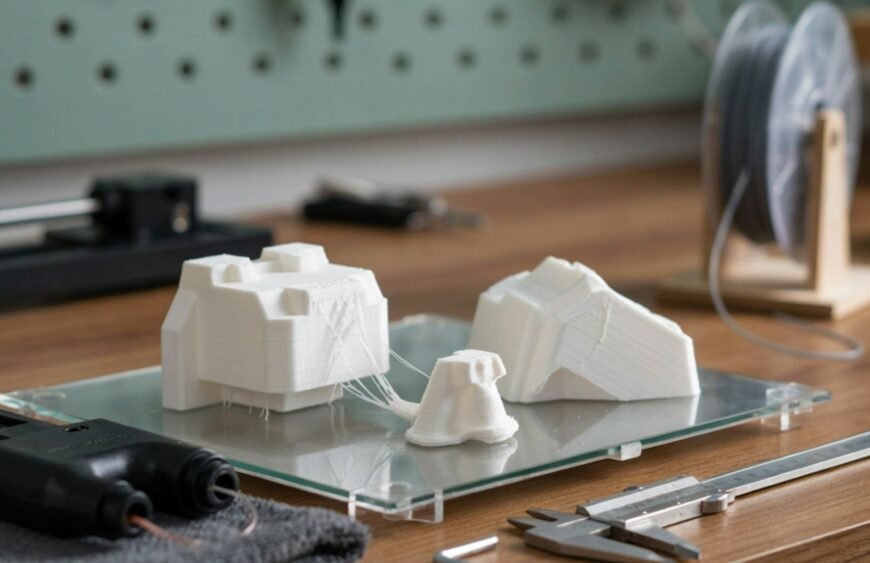
Most 3D printing failures come down to five avoidable causes: ignoring material specifications, skipping machine calibration, designing without process-specific clearances, cutting corners on post-processing, and running outdated slicer software.
In the intricate world of 3D printing and designing, precision is paramount. Despite the advanced technology and robust software support available today, certain prevalent mistakes can significantly hinder the quality and efficiency of your 3D printing projects. This blog aims to shed light on some common pitfalls in the 3D printing process, particularly highlighting issues that are often overlooked or underestimated by enthusiasts and professionals alike in India. By understanding and avoiding these errors, you can ensure higher quality prints, reduce material wastage, and streamline your design-to-production workflow. Join us as we explore essential tips and strategies to refine your 3D printing practices.
Overlooking Material Specifications
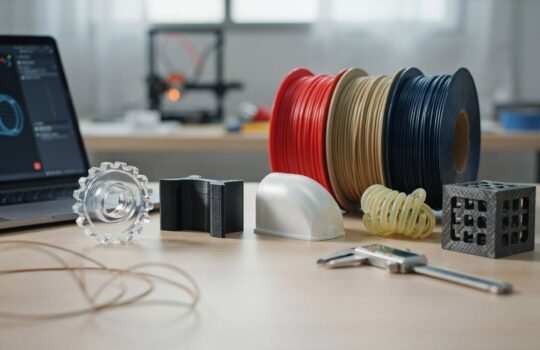
One of the most critical yet frequently overlooked aspects of 3D printing is understanding and adhering to material specifications. Tesseract works across FDM materials including PLA, ABS, ASA, PETG, Nylon PA6, PEEK, PEKK, and carbon-fiber composites, along with SLA resins, SLS powders, and DMLS metals – each with its own datasheet covering temperature range and print behavior. Check our Materials We Offer page for the specific datasheet before finalizing your design.
Ignoring Machine Calibration
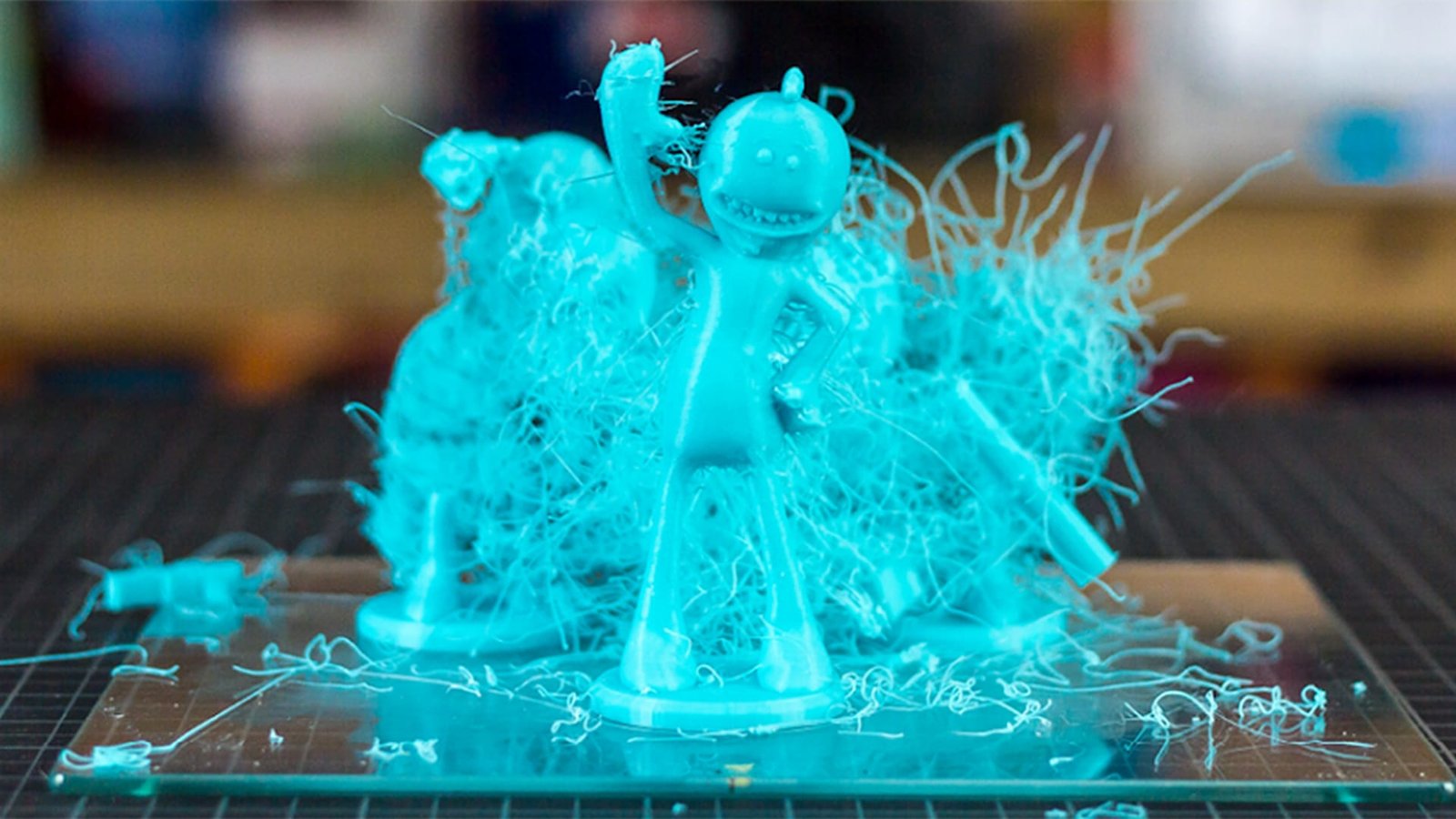
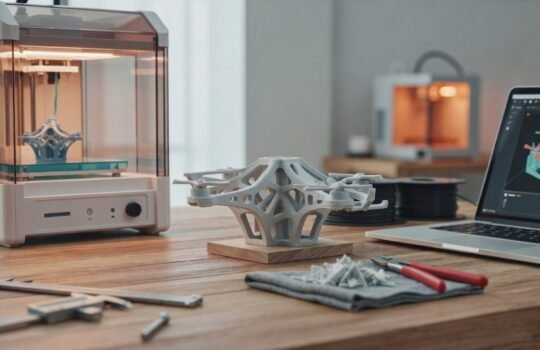
Proper calibration of your 3D printer is crucial for achieving precise and accurate prints. A common mistake often seen among users, particularly those new to the field, is neglecting regular calibration checks. Misalignment, incorrect bed leveling, or inaccurate extruder settings can lead to significant discrepancies in the final product, ranging from dimensional inaccuracies to poor adhesion and layer alignment. Regularly scheduled calibration, following the manufacturer’s guidelines, ensures that your printer operates under optimal conditions. This not only improves the quality of prints but also reduces the risk of printer malfunctions and material waste.
Common Design Errors in 3D Printing
Designing for 3D printing demands precision and an understanding of the process’s limitations. Common mistakes often undermine the quality and functionality of the final product:
- Inadequate Wall Thickness: Too thin walls can lead to prints that are weak or fail during printing. Ensure each wall meets minimum thickness requirements.
- Unsupported Structures: Overhangs without proper support can droop or collapse. Use support structures wisely in your design.
- Improper Resolution Settings: Setting resolution too high can lead to unnecessarily long print times, while too low can result in poor detail and surface finish.
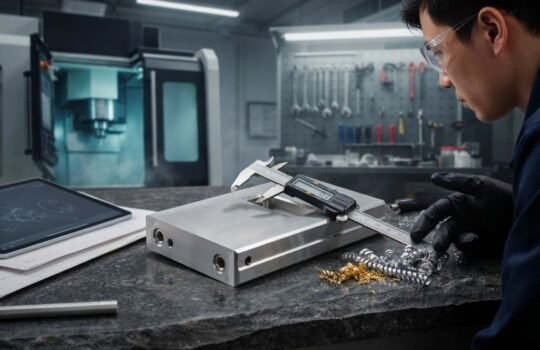
- Ignoring Process-Specific Clearances: Clearance tolerances are not the same across processes – what works for FDM may bind or fail in SLA, SLS, or DMLS. Confirm clearances against the specific process page before finalizing an assembly file.
Utilizing advanced design software that simulates the printing process can help detect and correct these issues before printing, ensuring optimal structural integrity and function.
Post-Processing Techniques and Their Oversights
Post-processing in 3D printing is as crucial as the printing process itself but often doesn’t receive the attention it deserves. Inadequate cleaning, improper curing, and suboptimal finishing techniques can all detract from the appearance and durability of the final product. Key considerations include:
- Cleaning: Removing support material and smoothing rough edges are essential for aesthetic and functional quality.
- Curing: Especially important for resin-based prints, proper UV light exposure ensures the material fully hardens.
- Finishing: Techniques like sanding, painting, or sealing enhance the visual appeal and can also contribute to structural integrity.
Taking the time to execute these steps carefully can dramatically improve the outcome of your 3D printed projects. See our Post Processing services page for the specific techniques available for your process.
The Perils of Outdated 3D Printing Software
Maintaining up-to-date 3D printing software is crucial for ensuring optimal performance and harnessing the latest technological advancements. Many users make the mistake of neglecting software updates, which can lead to compatibility issues and prevent them from accessing improved functionalities and new features. Additionally, inadequate testing following these updates can result in unresolved integration problems with existing hardware and materials.
To maximize the efficiency and capabilities of your 3D printer, it is essential to regularly update and thoroughly test your software. This approach not only enhances your printer’s performance but also ensures that you are utilizing the most advanced and reliable features available in the industry.
Conclusion
Avoiding common mistakes in 3D printing is essential for anyone looking to achieve high-quality results and efficient production processes. By understanding and addressing issues related to material specifications, machine calibration, design flaws, post-processing, and software updates, you can significantly enhance the performance and output of your 3D printing projects.
Implementing these best practices will not only improve the durability and appearance of your prints but also extend the lifespan of your equipment. We encourage all 3D printing enthusiasts and professionals to incorporate these insights into their workflows to unlock the full potential of this transformative technology.
Frequently Asked Questions
What’s the most common 3D printing mistake?
Treating all materials and processes as interchangeable. Wall thickness, clearances, and tolerances that work in FDM often don’t transfer to SLA, SLS, or DMLS.
Do 3D printing clearances differ by process?
Yes. FDM, SLA, SLS, and DMLS each have different achievable tolerances and shrinkage behavior, so a clearance that fits in one process can bind or fail in another.
Why do resin 3D prints stay soft or fail structurally?
Usually incomplete UV curing. Resin-based parts (SLA/DLP) need full post-print curing to reach their intended strength.
Does outdated 3D printing software affect print quality?
Yes. Outdated slicer or firmware software can cause compatibility issues with materials and hardware, leading to problems that look like print failures but are actually software-related.