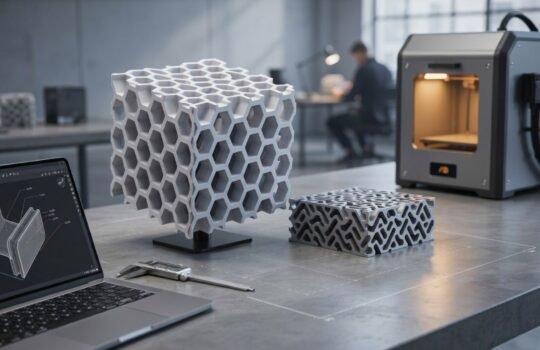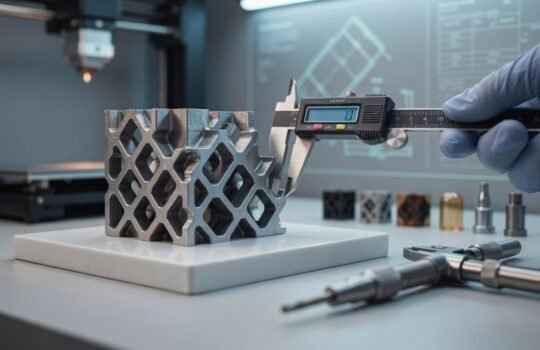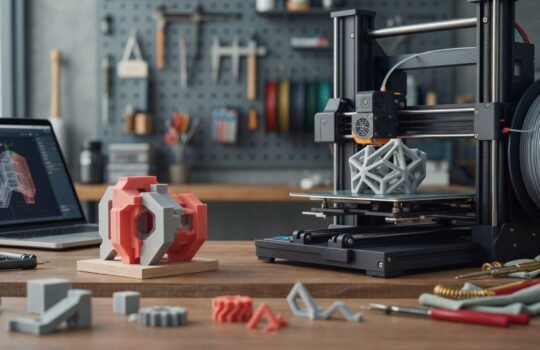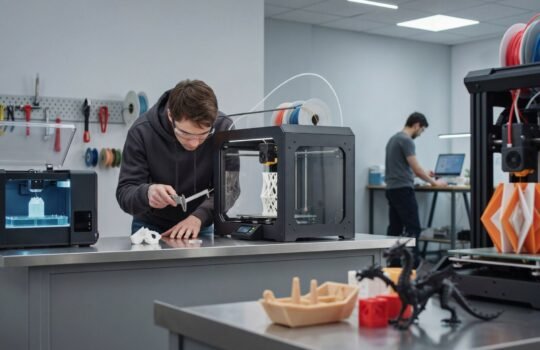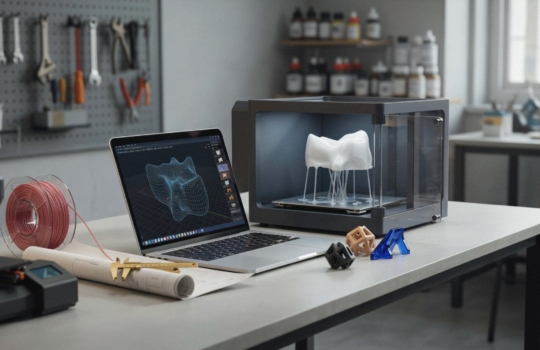
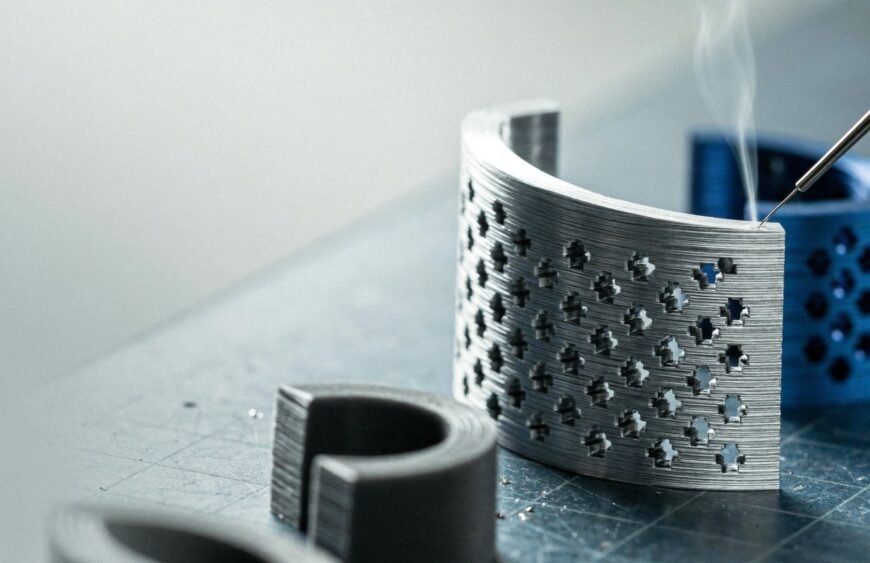
Surface roughness in 3D printed components is the texture of a part’s outer surface, measured by how much it deviates from a perfectly smooth finish. It depends mainly on the printing technology, material and part orientation, and it can be improved with post-processing such as smoothing and finishing.
What Is Surface Roughness in 3D Printing?
Surface roughness describes how smooth or textured a printed surface feels and looks. A rougher surface shows more visible bumps, ridges or grain. A smoother one looks and feels more uniform.
In industrial 3D printing, this is part of the overall 3D printed surface finish. It affects how a part looks, how it fits with other parts and how much finishing work it needs afterwards.
Why Does Surface Roughness Matter?
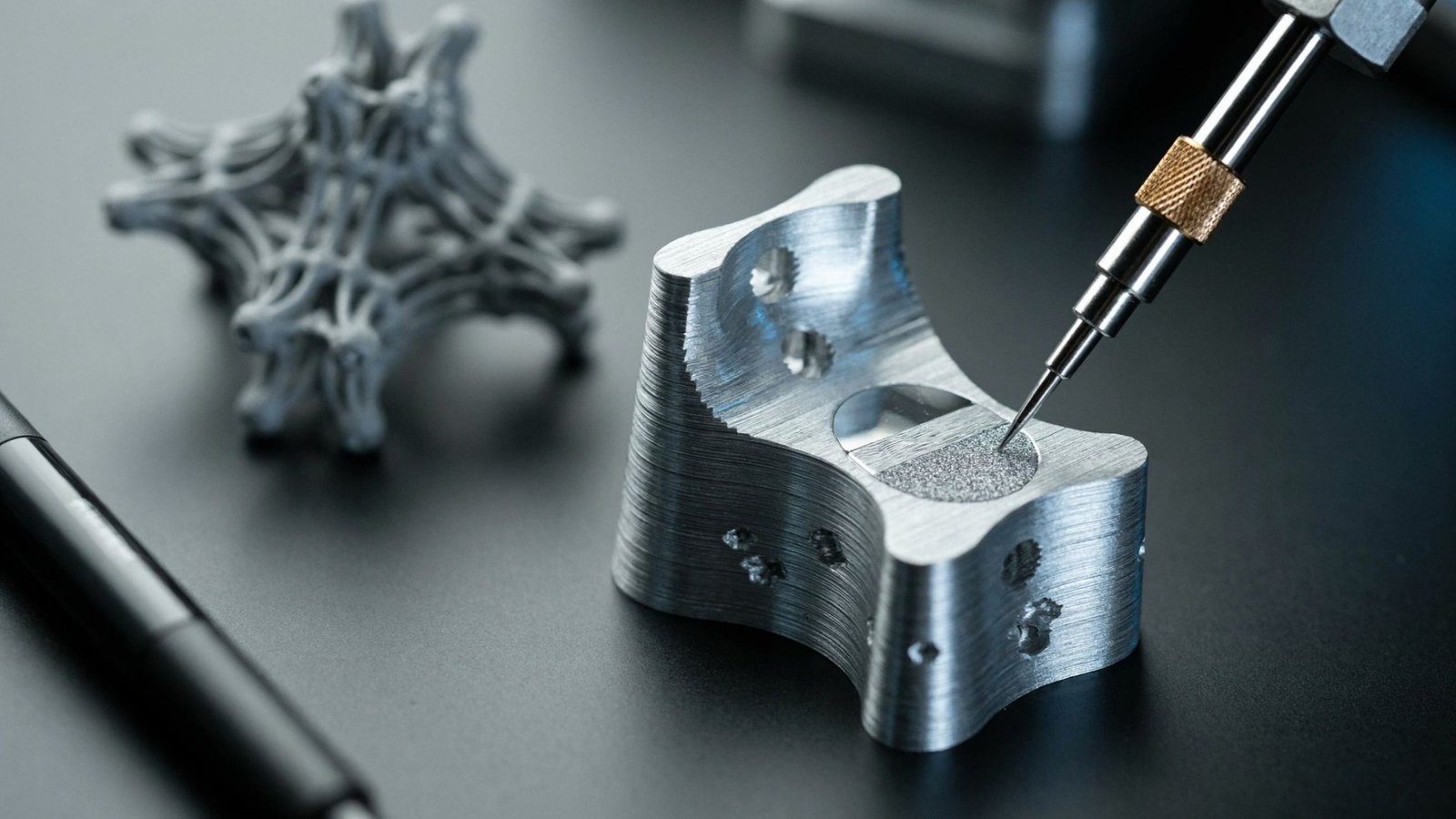
Surface quality is not only about looks. It can influence:
- Appearance: visible texture matters for display models, consumer products and presentation prototypes.
- Fit and assembly: rough mating surfaces may not sit together as intended.
- Finishing work: painting or coating usually starts from the surface the printer leaves behind.
- Perceived quality: a clean surface tells clients and stakeholders the part is well made.
Tesseract’s own team notes that finishing should never be underestimated when turning a design into a convincing physical model.
What Causes Rough Surfaces in 3D Printed Parts?
Why do layer lines appear?
Most 3D printing builds parts layer by layer. Those layers can leave visible lines, often called layer lines, especially on curved or sloped surfaces. How noticeable they are depends on the process used.
How does part orientation affect the surface?
The way a part is positioned during printing changes which faces end up smoother or rougher. Surfaces that matter most for appearance or fit should be considered when the build direction is chosen.
Do material and technology matter?
Yes. Each technology and material combination produces its own surface character. Tesseract works with filaments such as PLA, ABS, PETG, TPU and carbon fibre composites, as well as standard and ABS-like resins, so the final surface can differ from one job to the next.
Which 3D Printing Technology Is Best for Surface Finish?
There is no single answer, because the right choice depends on your material, size, detail and end use. Tesseract offers a wide range of processes, including SLS, DLP, PolyJet, MultiJet Printing, ceramic stereolithography and PµSL.
Three common routes are:
- Plastic prototypes and functional parts: FDM 3D printing is a common choice for engineering-grade filament parts.
- Fine detail and display models: SLA 3D printing uses resin and suits parts where detail matters.
- Metal components: DMLS is the metal printing option for industrial parts.
If surface quality is critical, tell the team before printing. They can recommend a process based on your requirement rather than a guess.
How Can You Improve the Surface Finish of 3D Printed Parts?
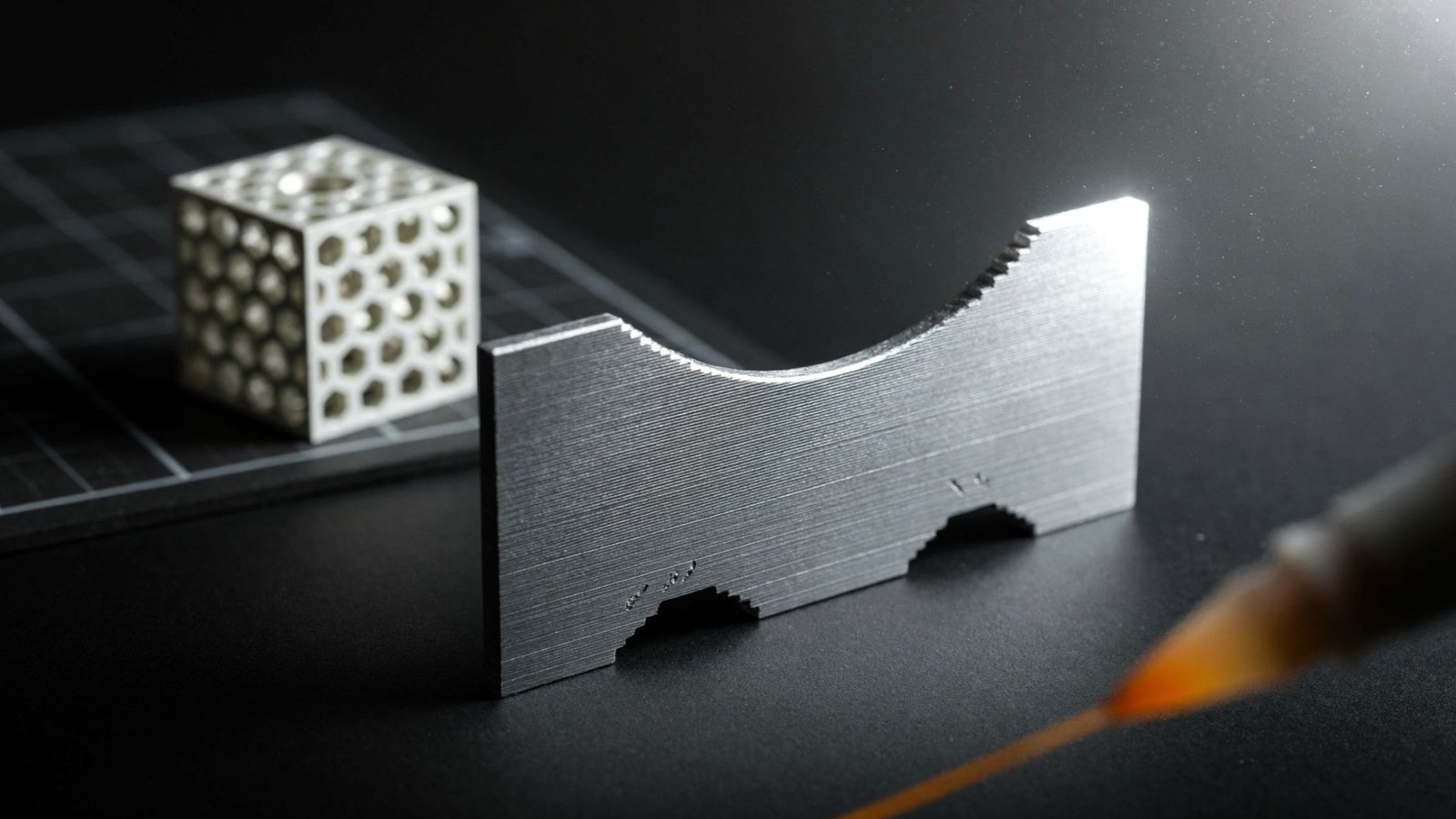
What does post-processing do?
Post-processing is the step that takes a printed part closer to its final look and feel. Tesseract lists post-processing as a dedicated service, so finishing can be planned together with printing instead of handled separately.
Can design choices help?
Yes. Think about which surfaces are visible or functional, and plan their orientation and finishing early. Tesseract also offers DFM problem solving and consulting, which helps catch surface-related issues before a part is printed.
How Should You Specify Surface Requirements?
Be clear about what you need. Mention which faces must be smooth, whether the part will be painted or left raw, and how it will be used.
Tesseract accepts STL, STEP, STP, IGES and OBJ files, plus PNG and JPEG images, up to 25MB. Most projects are completed within 2-7 days, depending on complexity and technology, so sharing your surface needs at the quote stage avoids delays later.
Conclusion
Surface roughness comes down to technology, material, orientation and finishing. Plan these early and your parts will look and perform the way you intended.
Ready to get started? Upload your design to Tesseract for a free instant quote and tell the team exactly what surface finish you need.
Frequently Asked Questions
What is surface roughness in 3D printing?
Surface roughness is how textured or smooth the outside of a 3D printed part is. It comes from the printing process, material and orientation. Rougher parts show more visible lines or grain, and they often need extra finishing for a cleaner look.
What causes layer lines on 3D printed parts?
Layer lines appear because most 3D printing builds a part one layer at a time. Each layer leaves a faint edge, especially on curves and slopes. Technology, material and part orientation all affect how visible those lines are.
Can post-processing improve surface roughness?
Yes. Post-processing steps such as smoothing and finishing bring a printed part closer to its final surface quality. Tesseract offers post-processing as a service, so you can request finishing along with printing and plan it from the start.
Which 3D printing process gives a smooth finish?
It depends on your material, detail level and use. Tesseract offers FDM, SLA, SLS, DMLS, DLP, PolyJet and MJP. Share your surface requirement when requesting a quote, and the team can suggest the process that best fits your part.
How do I tell Tesseract my surface finish needs?
Upload your design file for a free instant quote and note which surfaces need to be smooth, painted or left raw. Accepted formats include STL, STEP, STP, IGES and OBJ. Clear requirements help the team plan printing and finishing together.