
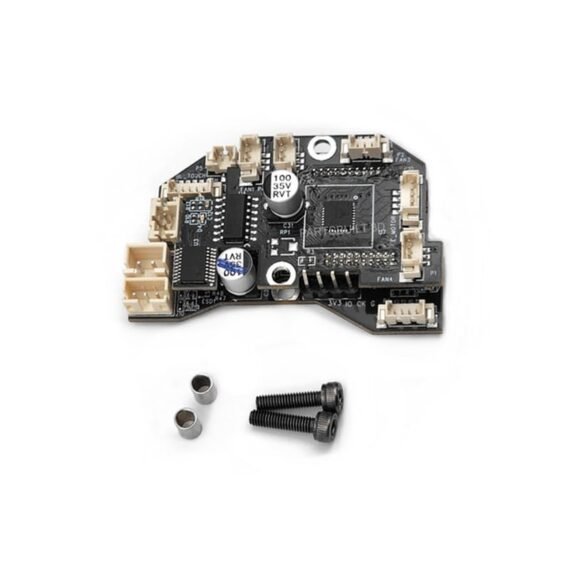
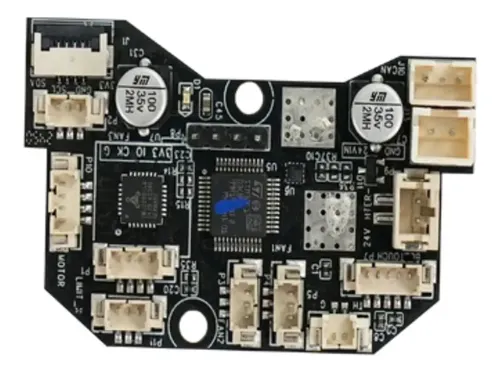
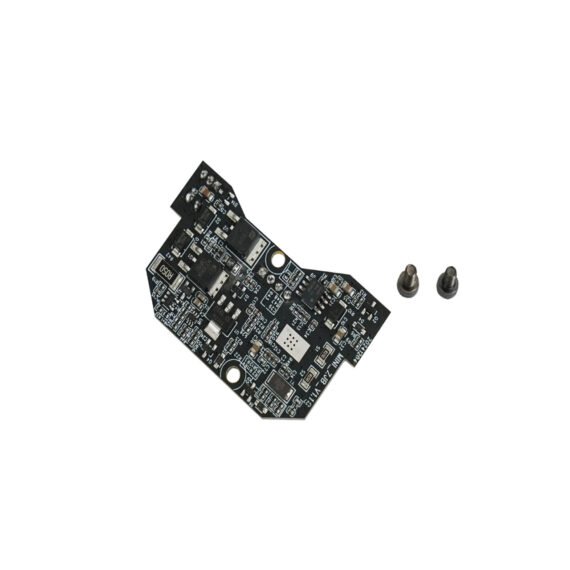
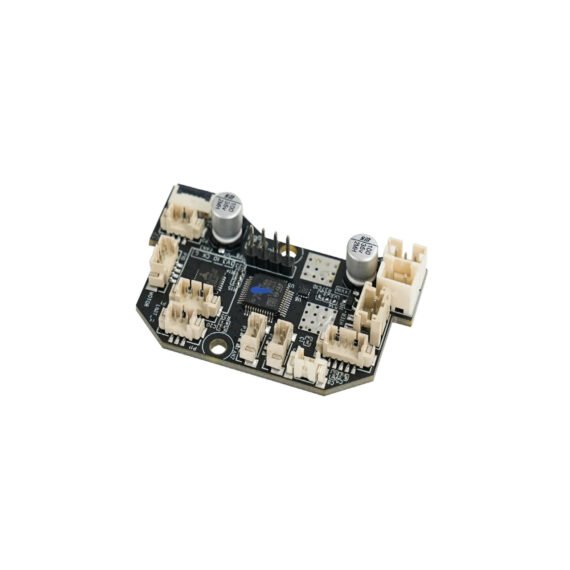
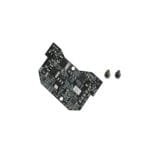
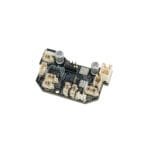
Tesseract Nozzle Board Kit with Independent CAN, Toolhead Adapter Interface Board Replacement for Sovol SV08 and SV08 MAX 3D Printers, High-Speed Data Hub PCB Assembly
About this item
- Integrated CAN: Utilizes independent Controller Area Network signal routing to manage complex toolhead data through a minimized, ultra-clean bus loom, maximizing communication speed while shedding printhead movement mass.
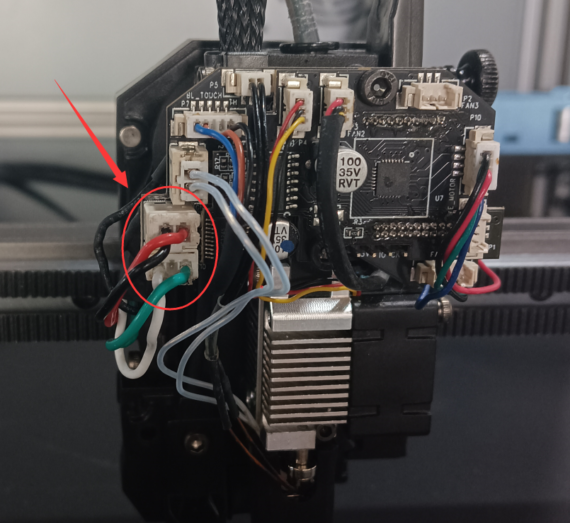
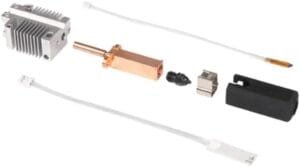
- All-in-One Hotend Interface: Functionally coordinates connection ports for the heater block, thermistor, extrusion motor, and cooling fans into a single central node to vastly simplify assembly layout.
- Tailored Toolhead Drop-In: Precision-dimensioned form factor engineered specifically for the toolhead carriage configurations of Sovol SV08 and SV08 MAX FDM 3D printers.
- Heavy-Duty Electronic Blueprint: Fabricated on a premium, heat-resilient printed circuit board (PCB) substrate built to effortlessly support steady high-amp power paths without signal degradation.
- Rapid Modular Swapping: Features secure, pre-soldered push-lock quick-connect sockets that allow you to swap out individual heating elements or fans in minutes without rewiring the mainboard.

Description
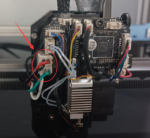
Streamline your printhead wiring and optimize data transmission with the Tesseract Nozzle Board Kit with Independent CAN. Custom-engineered as a drop-in adapter hub for Sovol SV08 and SV08 MAX CoreXY printers, this high-performance interface board serves as the central control bridge for your entire hotend toolhead system. By leveraging integrated independent Controller Area Network (CAN) bus protocols, it eliminates bulky, complex wiring looms down to a few sleek lines, dramatically cutting structural weight and electromagnetic interference. The durable multilayer PCB configuration hosts unified plugin points for your heater cartridge, fans, extruder motor, and temperature sensors—delivering a plug-and-play maintenance experience that protects signal integrity during intense, high-speed printing cycles. Essential Tips for Best Results: Static Safety Prep: Always turn off the main power supply and touch a grounded metal object before handling the circuit board to protect sensitive onboard components from electrostatic discharge (ESD). Pin Alignment Check: Carefully align all miniature multi-pin JST terminal plugs straight into their corresponding sockets; pushing them in at an angle can bend the header pins or cause bad electrical contact. Firmware Verification: Ensure your Klipper printer configuration file accurately routes the CAN bus UUID communication path to seamlessly recognize the toolhead expansion board upon initial boot.


Rating & Review
There are no reviews yet.